Menu

Products &
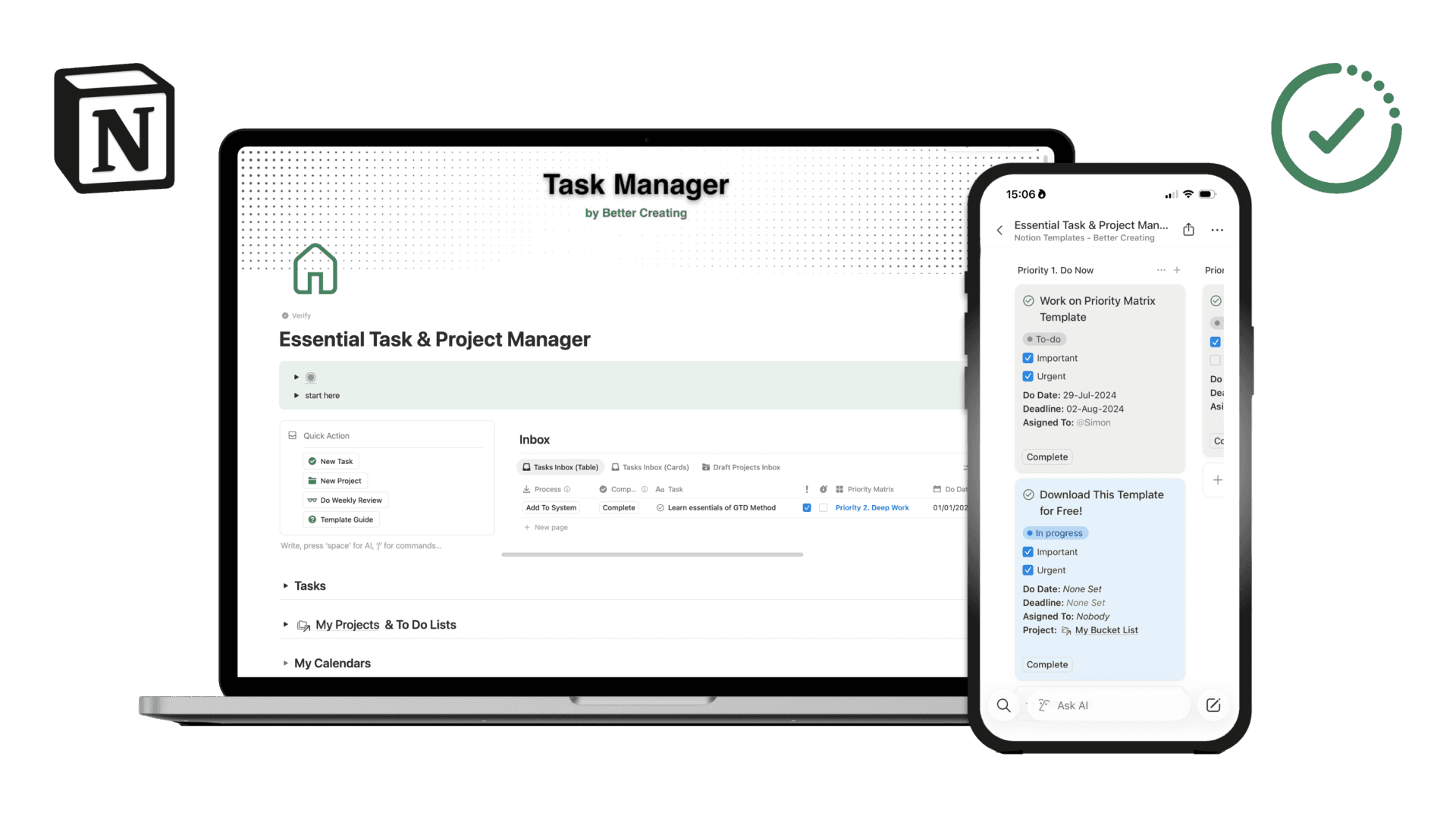
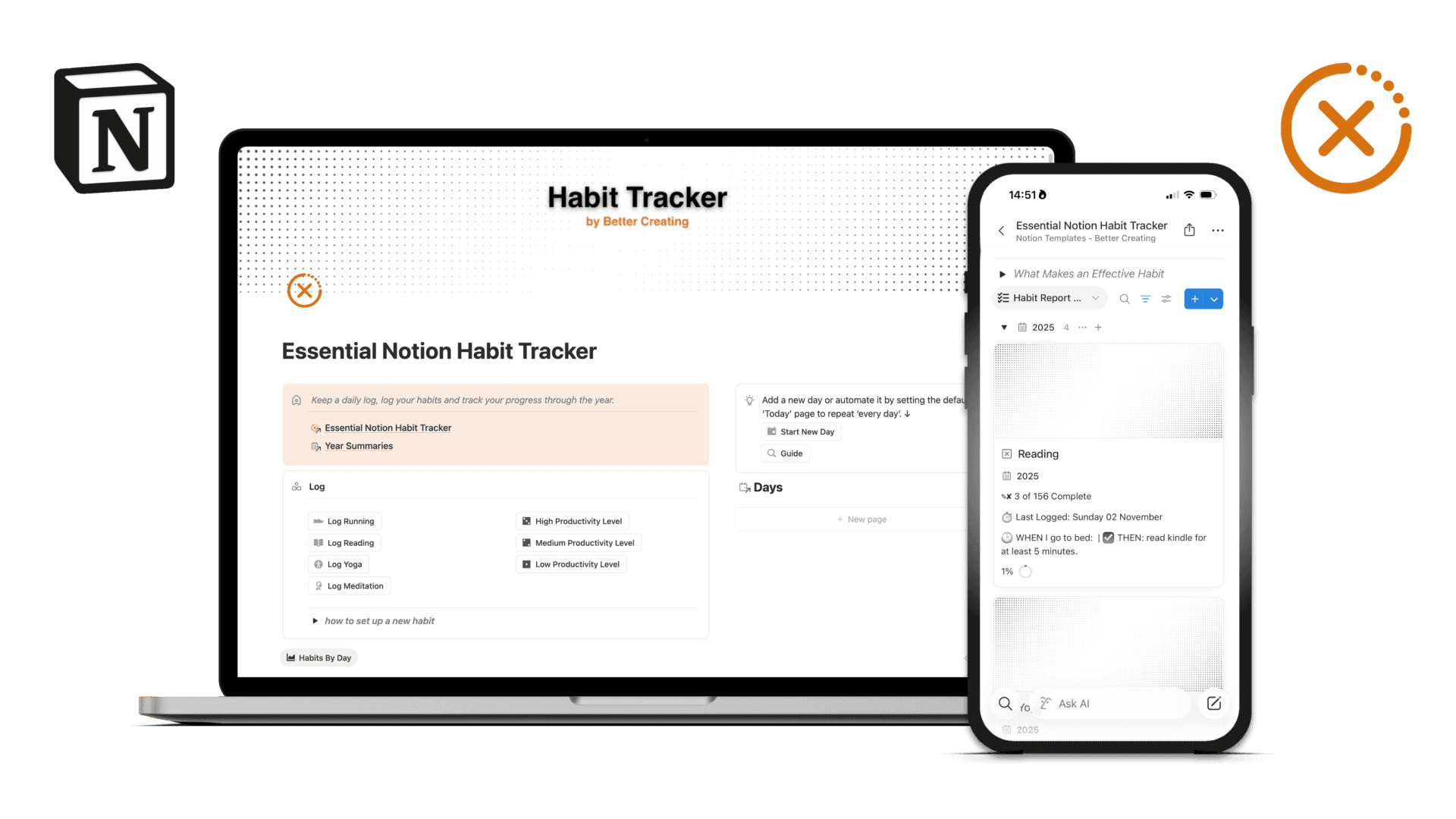
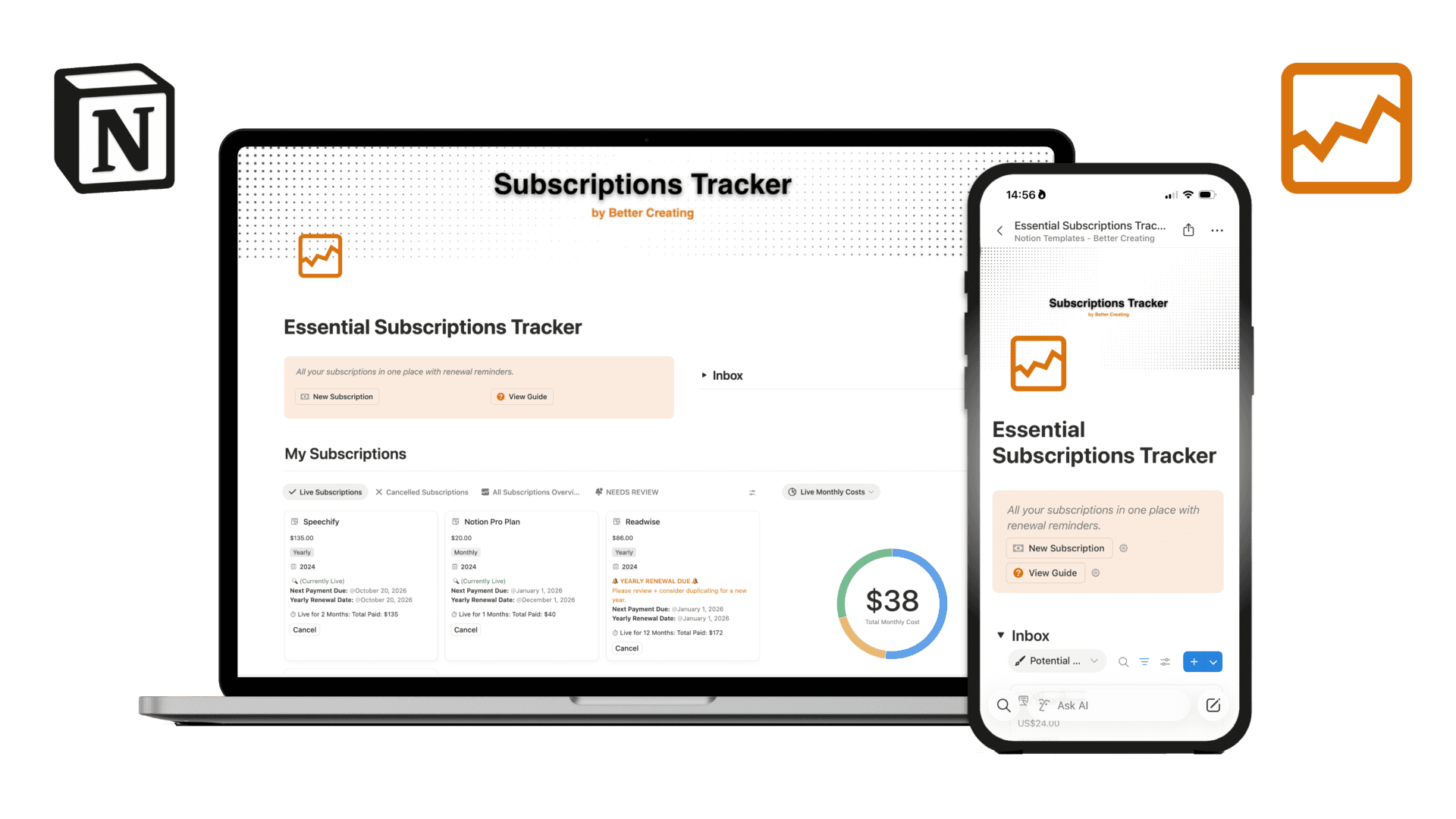
Templates
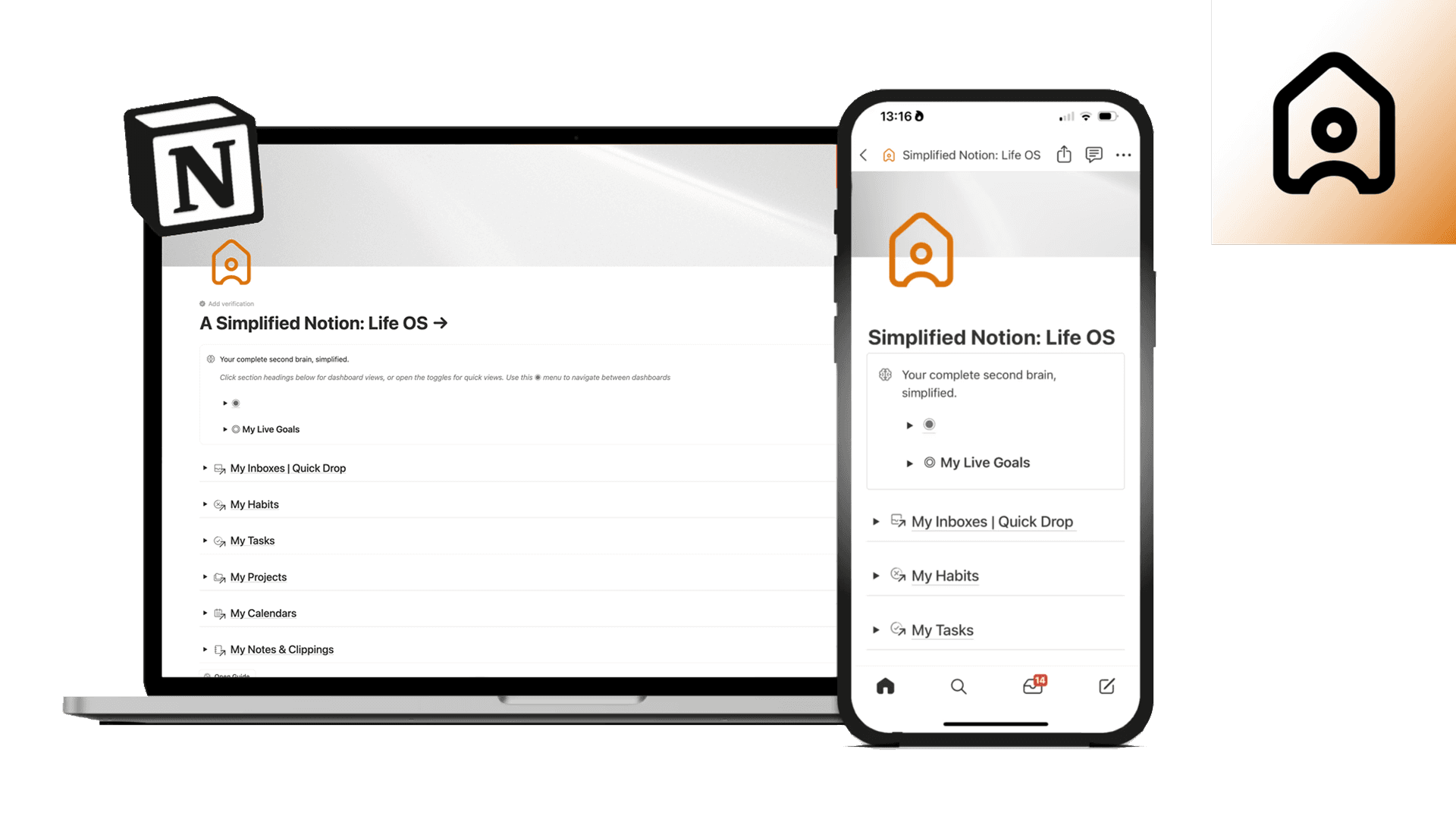
Optimise your busy work and simplify your systems across Notion, Claude, Mac and iOS.
Browse the categories below to discover my complete Notion & Claude operating systems, AI instructions, and smaller Notion templates.
Don't for get to checkout my minimal Icon & wallpapers packs for iOS to match form with function and simplify your devices!










Latest Testimonials
What people are saying
FAQ
Frequently Asked Questions
Downloads
Can I use this template with a free Notion account?
Can I use this template with a free Notion account?
Yes! All of our templates work with a free Notion account. You can duplicate them to your workspace and start using them right away.
One thing to note: if the template includes charts, you'll only be able to view and use one chart on a free Notion plan. If you want to use multiple charts for reporting views, you'll need to upgrade to a paid Notion plan (Plus, Business, or Education). For most - this is not an issue, and you still have the full functionality of the template.
What is a Notion template and how do I download it?
What is a Notion template and how do I download it?
A Notion template is essentially a pre-built Notion page that you can duplicate into your own workspace. Think of it like a pre-made system that I've designed and tested — so you can skip the building phase and jump straight to using it!
Our templates are available on the Notion Marketplace. To get one, you'll need to:
Have a Notion account (free or paid — either works)
Click the template link, which takes you to the Notion Marketplace
Click "Get template" to duplicate it into your workspace
Once it's in your workspace, it's yours to customise however you like!
Do you offer refunds?
Do you offer refunds?
Unfortunately, I can't offer refunds on smaller Notion templates. Once you've duplicated the template to your workspace, there's no way to "return" it — it's yours permanently.
If you're unsure whether a template is right for you, please email me at notion@bettercreating.com before purchasing. I'm always happy to answer questions and help you figure out if it's a good fit!
For our larger Life OS and Agent OS templates - if, once you have followed the onboarding process it’s not for you, we do offer a 14-day money back guarantee.
What is Notion AI and ‘Notion Agent’, and do your templates work with it?
What is Notion AI and ‘Notion Agent’, and do your templates work with it?
Notion AI or ‘Notion Agent’ is Notion's built-in AI assistant that lives inside your workspace. It utilises the latest Gemini, ChatGPT and Claude LLM models, but unlike signing up to them directly - with Notion AI it has direct access to your pages and databases — which means it can actually help you do things in Notion, not just answer questions!
To have access to Notion Agent you’ll need to be on a paid Business of Education Plan with Notion: but for the access to these LLMs and all the wider AI connectors to things like Google Drive, Slack and Teams - we think it’s a steal. If you want to upgrade to a plan: click my link here: https://affiliate.notion.so/bettercreating
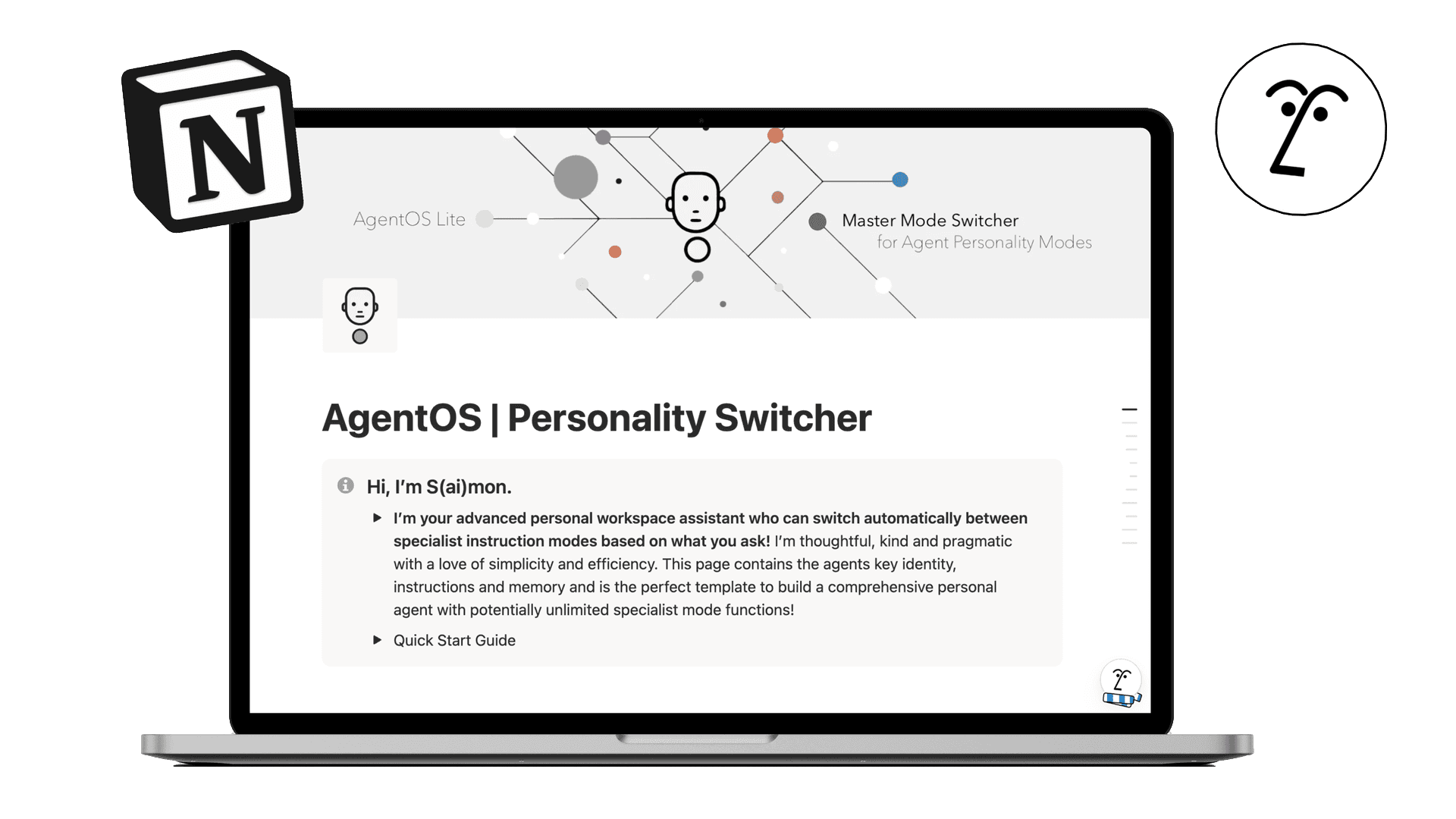
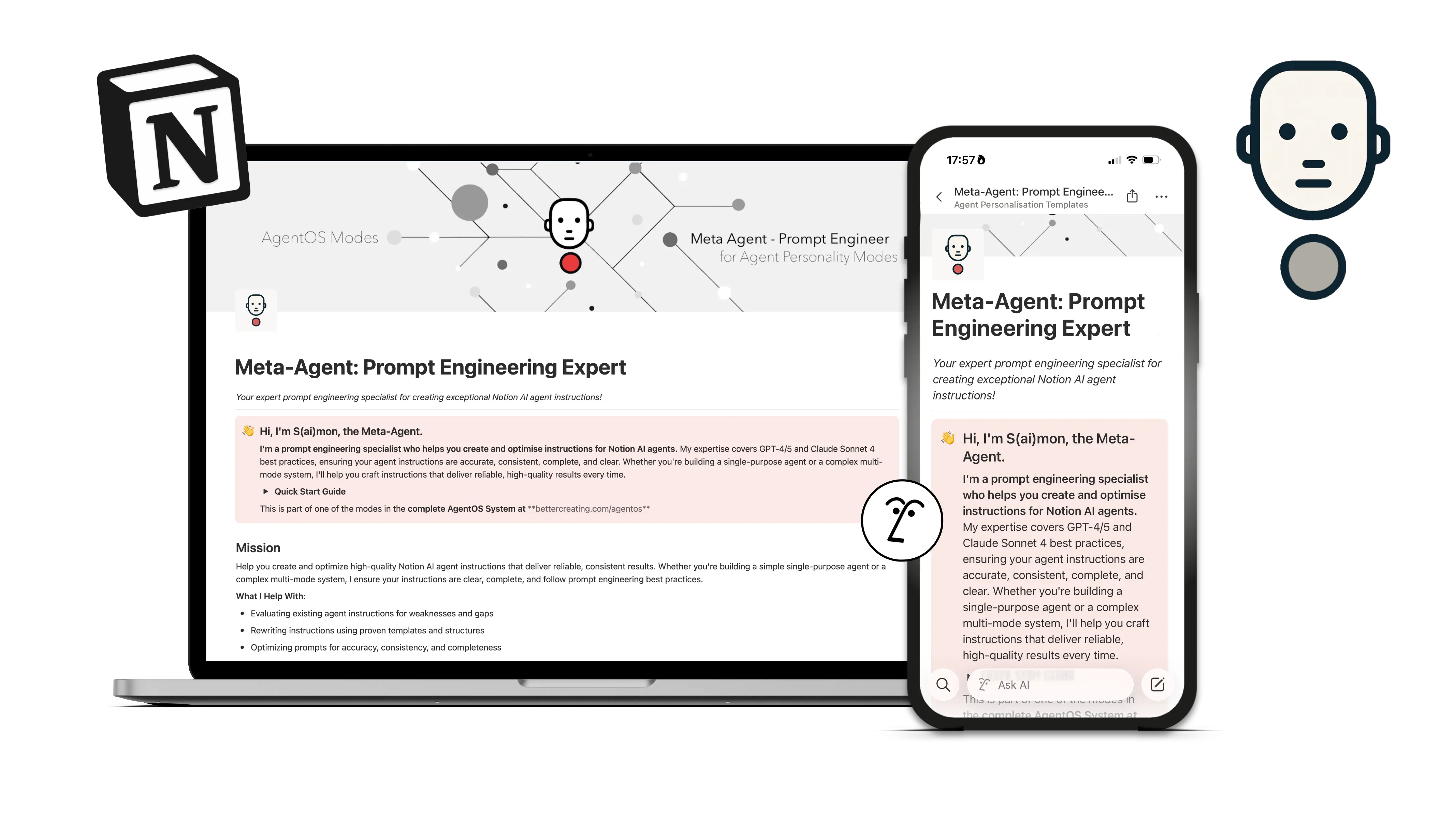
All of our templates are fully compatible with Notion AI and Notion Agent. But if you really want to unlock the power of a personalised AI assistant, check out our AgentOS | The Ultimate Personal Agent — it's a multi-mode AI instruction system that transforms Notion AI into a team of specialists: productivity coach, content writer, decision advisor, and more. It's pretty wild when you get it going!
Will I receive updates to the template?
Will I receive updates to the template?
Yes! When you get a template from the Notion Marketplace, you're automatically connected to future updates. Whenever I improve or add new features to a template, you'll be able to access those updates directly through the Marketplace by reduplicating a new version of the template.
A note: that said - I can’t automatically update the version you already have in your workspace - so you have to choose to reduplicate the new copy.
I'm stuck or something isn't working — how do I get help?
I'm stuck or something isn't working — how do I get help?
No worries! Most templates include a guide page with tips and troubleshooting steps. If you're still stuck, just drop me an email at notion@bettercreating.com and I'll do my best to help you out.
We actually read all the emails and usually respond pretty quickly!
What are personal Notion Agent instructions, and how do I set them up?
What are personal Notion Agent instructions, and how do I set them up?
Custom agent instructions let you personalise how Notion AI* and Notion Agent behaves — its personality, knowledge, and how it responds to you.
If you are experienced with making Projects in Claude or Custom Agents in Chat GPT - it’s very similar - just more accessible and native in your Notion workspace!
To set it up:
Click on Nosy (the little AI icon) in the bottom-right corner
Select Personalise
Name your Agent and choose a page that will become your Agent’s instructions
Once connected, Notion AI will follow whatever's on that page.
*To use Notion AI you need to be on the business plan or higher!
Is Notion Agent free?
Is Notion Agent free?
No - but it’s great value - I cancelled my Chat GPT subscription for it!
To have access to Notion Agent you’ll need to be on a paid Business of Education Plan with Notion: but for the access to these LLMs and all the wider AI connectors to things like Google Drive, Slack and Teams - we think it’s a steal. If you want to upgrade to a plan: click my link here: https://affiliate.notion.so/bettercreating
What’s the difference between Custom Agents and Personal Agents in Notion?
What’s the difference between Custom Agents and Personal Agents in Notion?
Custom Agents are autonomous agents that act like independent team members in your workspace - They can be triggered by events, a recurring interval, or an action you take - and anyone in your workspace can use them. These are great for automating processes you want to happen without you asking.
Notion Agent - accessed via the main AI chat interface in Notion, can be customised and personalised to be your personal agent assistant. The difference here: you can share with it your personal preferences, knowledge and context for it to collaborate with you - think of it as your personal assistant - who knows you very well! The best thing thou - my Agent OS template turns that personal agent into a team of specialists you can customise to your needs - making it the ultimate personal tool to hand of your busy work to!
Do personal agents in Notion work on mobile?
Do personal agents in Notion work on mobile?
Yes, Notion AI is available on the mobile version as well, given you have at least the Business or Education plan. As of now (January 2026) the features of Notion AI on mobile are a bit limited when compared to the desktop version though, you cannot for example pick an AI model and it just defaults to GPT-5.2.
Is My Payment Information Safe & Secure?
Is My Payment Information Safe & Secure?
Yes, completely. All transactions go through Lemon Squeezy, which uses secure encryption and doesn't store your payment details. I will never receive or see that information. Lemon Squeezy also acts as Merchant of Record, so both you and I are protected.
What Payment Methods Do You Accept?
What Payment Methods Do You Accept?
Through Lemon Squeezy, you can pay with major credit cards (Visa, Mastercard, American Express, Discover, Diners Club, and JCB), PayPal, Apple Pay, and Google Pay —so pretty much whatever works for you.
How Do I Install & Use Icons?
How Do I Install & Use Icons?
The included video guides (on YouTube) will walk you through the process step by step—from adding custom icons in iOS using Shortcuts, to setting up widgets, to customizing Notion pages. No tech expertise required, just follow along!
What About Shortcut Pop-up Notifications on iOS?
What About Shortcut Pop-up Notifications on iOS?
When you click a custom shortcut icon, iOS can show a brief notification banner. Since iOS 17, some workarounds I've shared have stopped working. iPhones with Dynamic Island can try this solution from creator Sam Beckman: https://youtu.be/eLQEnVC54DY Otherwise, you may need to research current methods if you want to block these notifications entirely.
Do I Need Any Special Apps?
Do I Need Any Special Apps?
For iOS customization, you'll use the built-in Shortcuts app (free, already on your iPhone). For widgets, you'll need the free Widgy app. For Notion, you just need your Notion account. For the living monthly wallpapers, you'll need to download Plash for FREE from the Mac App Store. That's it!
What Happens After I Purchase?
What Happens After I Purchase?
You'll receive instant access to download all the files. Everything is organized in folders so you can easily find what you need. Plus, you'll get links to the setup video guides.
Will You Offer Extension Packs and Updates?
Will You Offer Extension Packs and Updates?
Yes! As of September 2024, all packs have been updated to include Google & Microsoft Suites plus loads of new popular apps (Arc, ChatGPT, Figma, and more). If Future extensions and updates are released — you'll be notified by email when they're available if you signed up to my mailing list. :)
Do You Offer Refunds?
Do You Offer Refunds?
Since you can see the full contents in the guide videos and this is a digital product that can't be returned once downloaded, I only offer refunds if there's a significant defect or missing element that prevents you from using the product. If you experience any issues, just email me at notion@bettercreating.com.
Can I Use These Icons Commercially?
Can I Use These Icons Commercially?
Yes! Once you purchase, you can use these icons in your personal projects, client work, and commercial projects. The only thing you can't do is resell or redistribute the icon files themselves.
Do I Need a Certain Device or Operating System?
Do I Need a Certain Device or Operating System?
These are designed for Apple devices (iOS, iPadOS, macOS) and Notion. On Apple devices, I recommend iOS 14.4 onwards for the best features, though newer versions will give you even more customization options. You can use them on Android or other devices, but I don't provide installation guides for those platforms.
Does the Light & Dark Mode Feature Work on All Devices?
Does the Light & Dark Mode Feature Work on All Devices?
Yes! You can use automations in the Shortcuts app to switch between modes, or take advantage of Focus mode scheduling in iOS 18 onwards — super easy to set up following the included video guide.
(EU Customers) Do I Have to Pay VAT/Sales Tax?
(EU Customers) Do I Have to Pay VAT/Sales Tax?
Yes — all digital products sold to EU customers include a VAT charge, which Lemon Squeezy (my payment processor) automatically calculates based on your location.
BUT… If you have a business with a valid VAT number, you can get that VAT charge refunded after purchase through Lemon Squeezy's system.
Do You Support Parity Pricing Across Currencies or Student Discounts?
Do You Support Parity Pricing Across Currencies or Student Discounts?
I'm working on implementing more flexible pricing options. In the meantime, if you need help affording a pack due to currency conversion or you're a student, please reach out to me at notion@bettercreating.com and I'll do my best to help you out.
Can I Share These Icons with Friends or Team Members?
Can I Share These Icons with Friends or Team Members?
Each purchase is for individual use. If you'd like to share with team members, please purchase additional licenses. For teams or bulk purchases, feel free to contact me at notion@bettercreating.com and we can work something out.
What Claude plan do I need?
What Claude plan do I need?
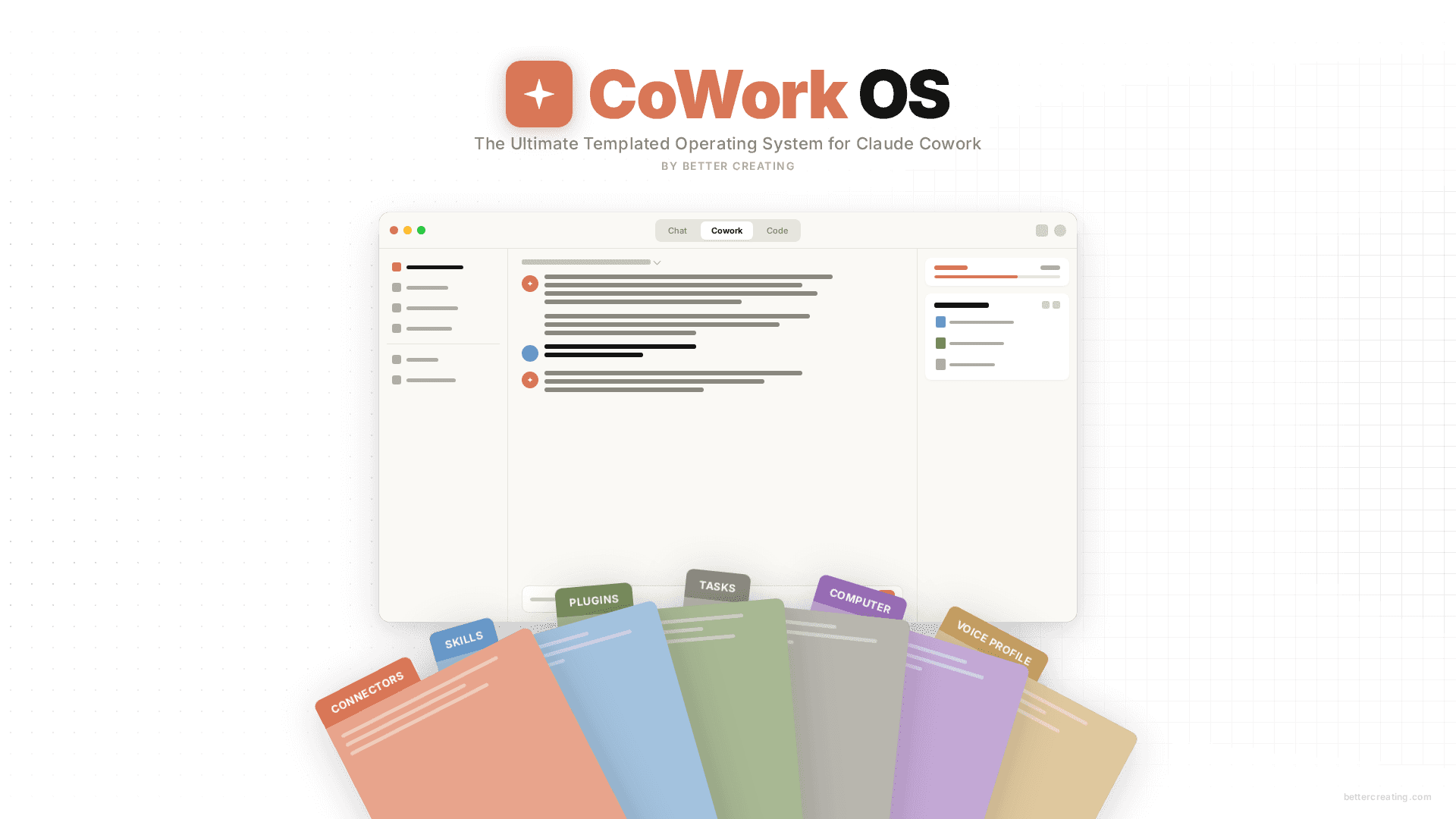
At minimum, a Pro plan. The free tier has message limits that make a session-heavy system like CoWork OS frustrating pretty quickly — you'll run into them before you've really got going. I run Max myself and honestly, once the system knows your context, your projects, and how you like to work, the cost stops feeling like much at all. But the Pro plan is the baseline where you'll get real daily value from it.
Does it work on Windows, or only Mac?
Does it work on Windows, or only Mac?
Both. CoWork OS runs inside the Claude Desktop app, which Anthropic makes available for Mac and Windows. The folder setup and everything in the system works the same way on either — I developed it on Mac, but several beta users ran the whole thing on Windows without any issues worth mentioning.
What's the difference between CoworkOS and AgentOS for Notion?
What's the difference between CoworkOS and AgentOS for Notion?
AgentOS is the same idea, built for Notion AI. It's a multi-mode instruction system — six specialist modes including a writing coach, strategist, and productivity advisor — all running inside your Notion workspace through Notion Agent. If you live in Notion, it's a natural fit.
CoWork OS is the Claude version. It runs in the Claude Desktop app and lives on your computer as a folder rather than inside a workspace. The scope is broader: it handles memory, identity, scheduling, and connected apps across your whole Claude setup.