
What You’ll Get
Get Minimal Today
All you need to begin:
Download the icon pack
Download the Widgy Widget App (Free)
Watch My Video Guide
Add your Icons & Covers
Customise & Add Widgets with Widgy
What you'll get:
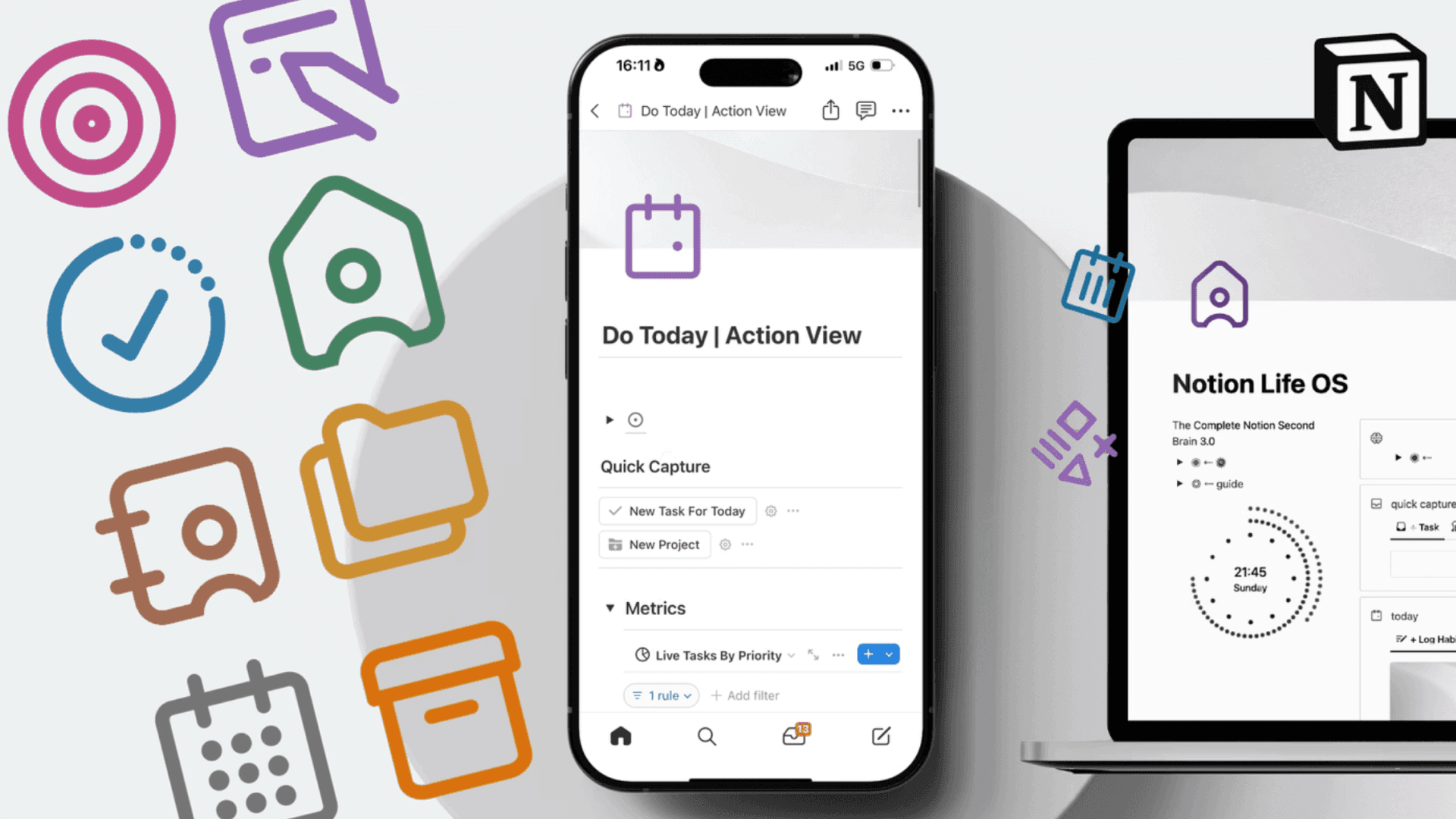
192 minimal icons
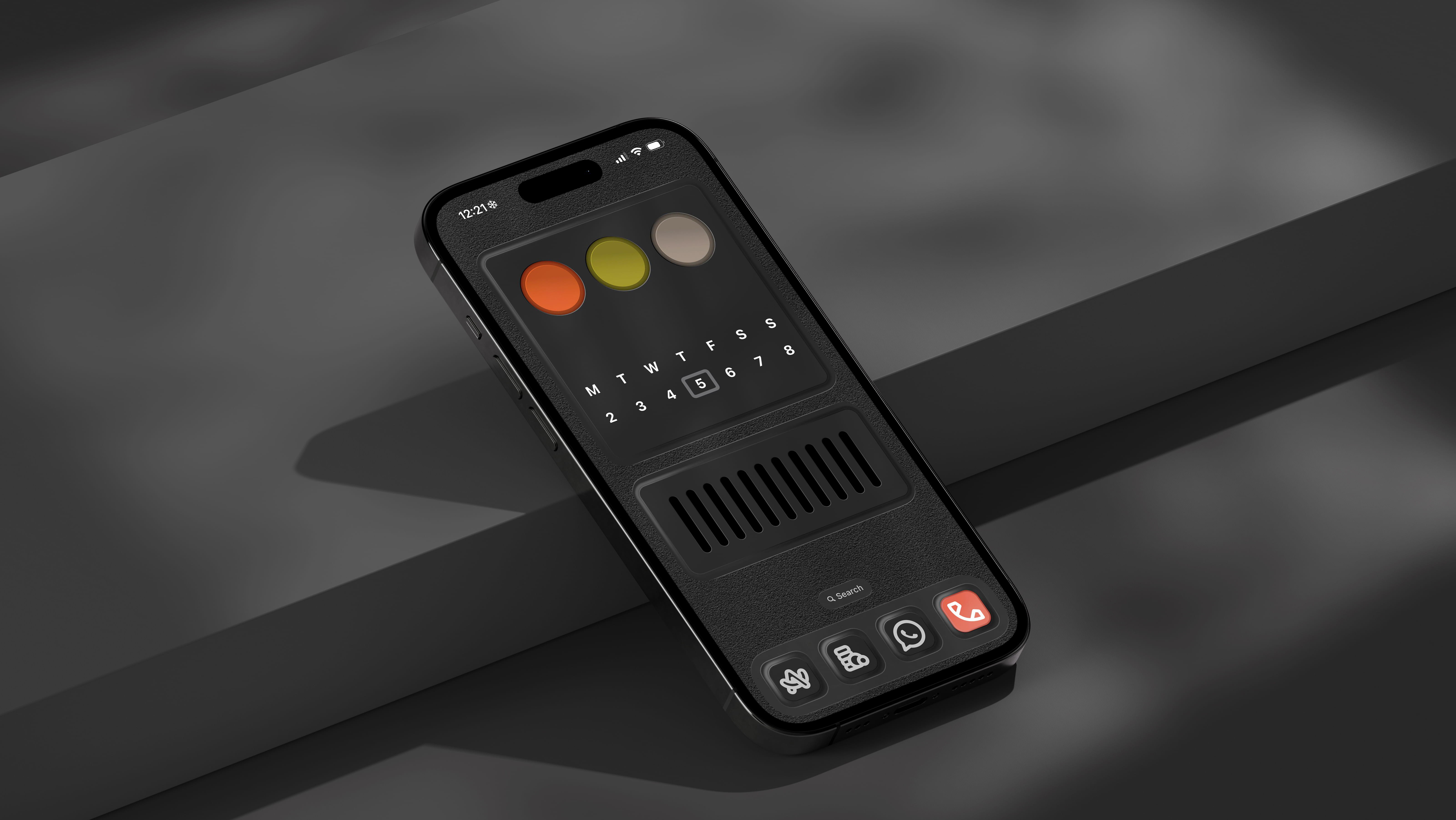
14 Widgy Widget Templates
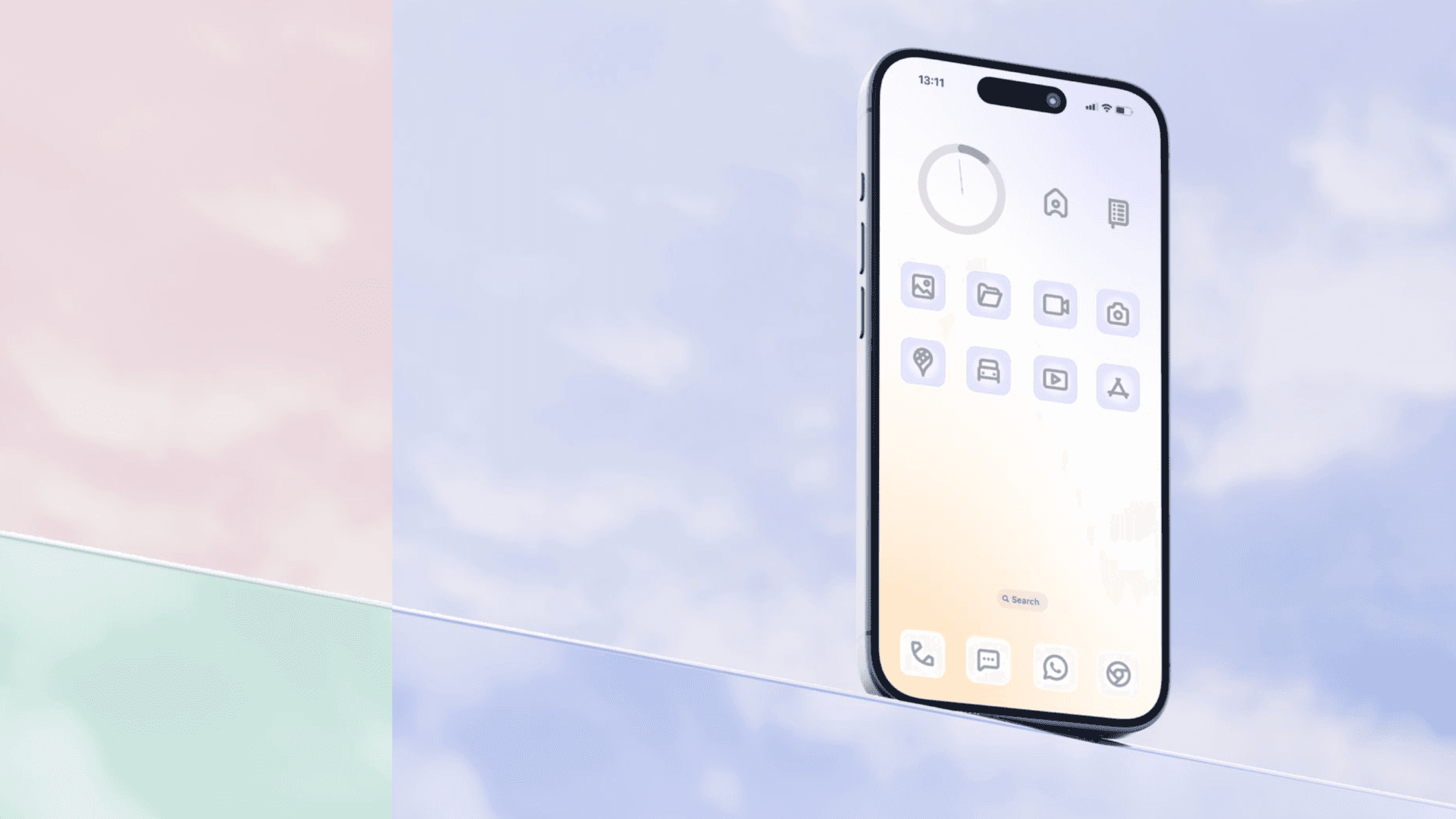
Wallpapers for iPhone and iPad to blend with the button and widget designs
Full set-up & customisation guide video for iOS26 onwards
Frequently Asked Questions
Is My Payment Information Safe & Secure?
Is My Payment Information Safe & Secure?
Yes, completely. All transactions go through Lemon Squeezy, which uses secure encryption and doesn't store your payment details. I will never receive or see that information. Lemon Squeezy also acts as Merchant of Record, so both you and I are protected.
What Payment Methods Do You Accept?
What Payment Methods Do You Accept?
Through Lemon Squeezy, you can pay with major credit cards (Visa, Mastercard, American Express, Discover, Diners Club, and JCB), PayPal, Apple Pay, and Google Pay —so pretty much whatever works for you.
How Do I Install & Use Icons?
How Do I Install & Use Icons?
The included video guides (on YouTube) will walk you through the process step by step—from adding custom icons in iOS using Shortcuts, to setting up widgets, to customizing Notion pages. No tech expertise required, just follow along!
What About Shortcut Pop-up Notifications on iOS?
What About Shortcut Pop-up Notifications on iOS?
When you click a custom shortcut icon, iOS can show a brief notification banner. Since iOS 17, some workarounds I've shared have stopped working. iPhones with Dynamic Island can try this solution from creator Sam Beckman: https://youtu.be/eLQEnVC54DY Otherwise, you may need to research current methods if you want to block these notifications entirely.
Do I Need Any Special Apps?
Do I Need Any Special Apps?
For iOS customization, you'll use the built-in Shortcuts app (free, already on your iPhone). For widgets, you'll need the free Widgy app. For Notion, you just need your Notion account. For the living monthly wallpapers, you'll need to download Plash for FREE from the Mac App Store. That's it!
What Happens After I Purchase?
What Happens After I Purchase?
You'll receive instant access to download all the files. Everything is organized in folders so you can easily find what you need. Plus, you'll get links to the setup video guides.
Will You Offer Extension Packs and Updates?
Will You Offer Extension Packs and Updates?
Yes! As of September 2024, all packs have been updated to include Google & Microsoft Suites plus loads of new popular apps (Arc, ChatGPT, Figma, and more). If Future extensions and updates are released — you'll be notified by email when they're available if you signed up to my mailing list. :)
Do You Offer Refunds?
Do You Offer Refunds?
Since you can see the full contents in the guide videos and this is a digital product that can't be returned once downloaded, I only offer refunds if there's a significant defect or missing element that prevents you from using the product. If you experience any issues, just email me at notion@bettercreating.com.
Can I Use These Icons Commercially?
Can I Use These Icons Commercially?
Yes! Once you purchase, you can use these icons in your personal projects, client work, and commercial projects. The only thing you can't do is resell or redistribute the icon files themselves.
Do I Need a Certain Device or Operating System?
Do I Need a Certain Device or Operating System?
These are designed for Apple devices (iOS, iPadOS, macOS) and Notion. On Apple devices, I recommend iOS 14.4 onwards for the best features, though newer versions will give you even more customization options. You can use them on Android or other devices, but I don't provide installation guides for those platforms.
Does the Light & Dark Mode Feature Work on All Devices?
Does the Light & Dark Mode Feature Work on All Devices?
Yes! You can use automations in the Shortcuts app to switch between modes, or take advantage of Focus mode scheduling in iOS 18 onwards — super easy to set up following the included video guide.
(EU Customers) Do I Have to Pay VAT/Sales Tax?
(EU Customers) Do I Have to Pay VAT/Sales Tax?
Yes — all digital products sold to EU customers include a VAT charge, which Lemon Squeezy (my payment processor) automatically calculates based on your location.
BUT… If you have a business with a valid VAT number, you can get that VAT charge refunded after purchase through Lemon Squeezy's system.
Do You Support Parity Pricing Across Currencies or Student Discounts?
Do You Support Parity Pricing Across Currencies or Student Discounts?
I'm working on implementing more flexible pricing options. In the meantime, if you need help affording a pack due to currency conversion or you're a student, please reach out to me at notion@bettercreating.com and I'll do my best to help you out.
Can I Share These Icons with Friends or Team Members?
Can I Share These Icons with Friends or Team Members?
Each purchase is for individual use. If you'd like to share with team members, please purchase additional licenses. For teams or bulk purchases, feel free to contact me at notion@bettercreating.com and we can work something out.