TAKE THE TOUR
Time to hand off your busy work
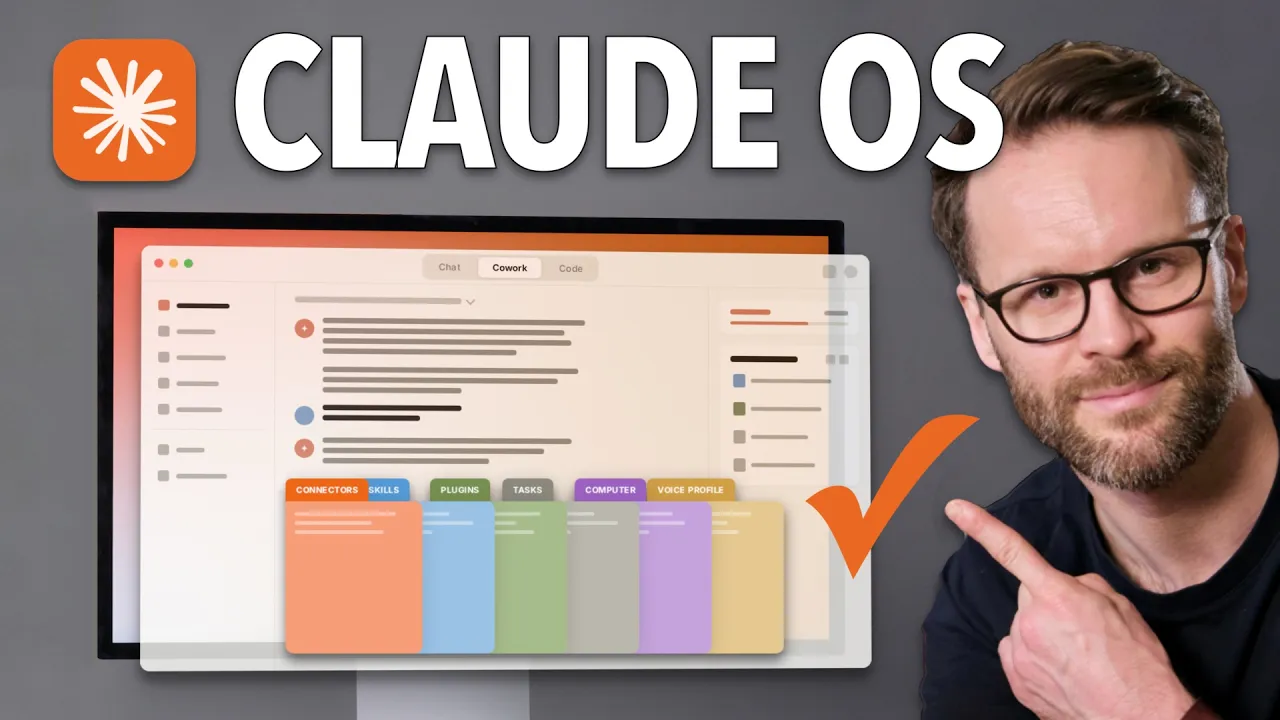
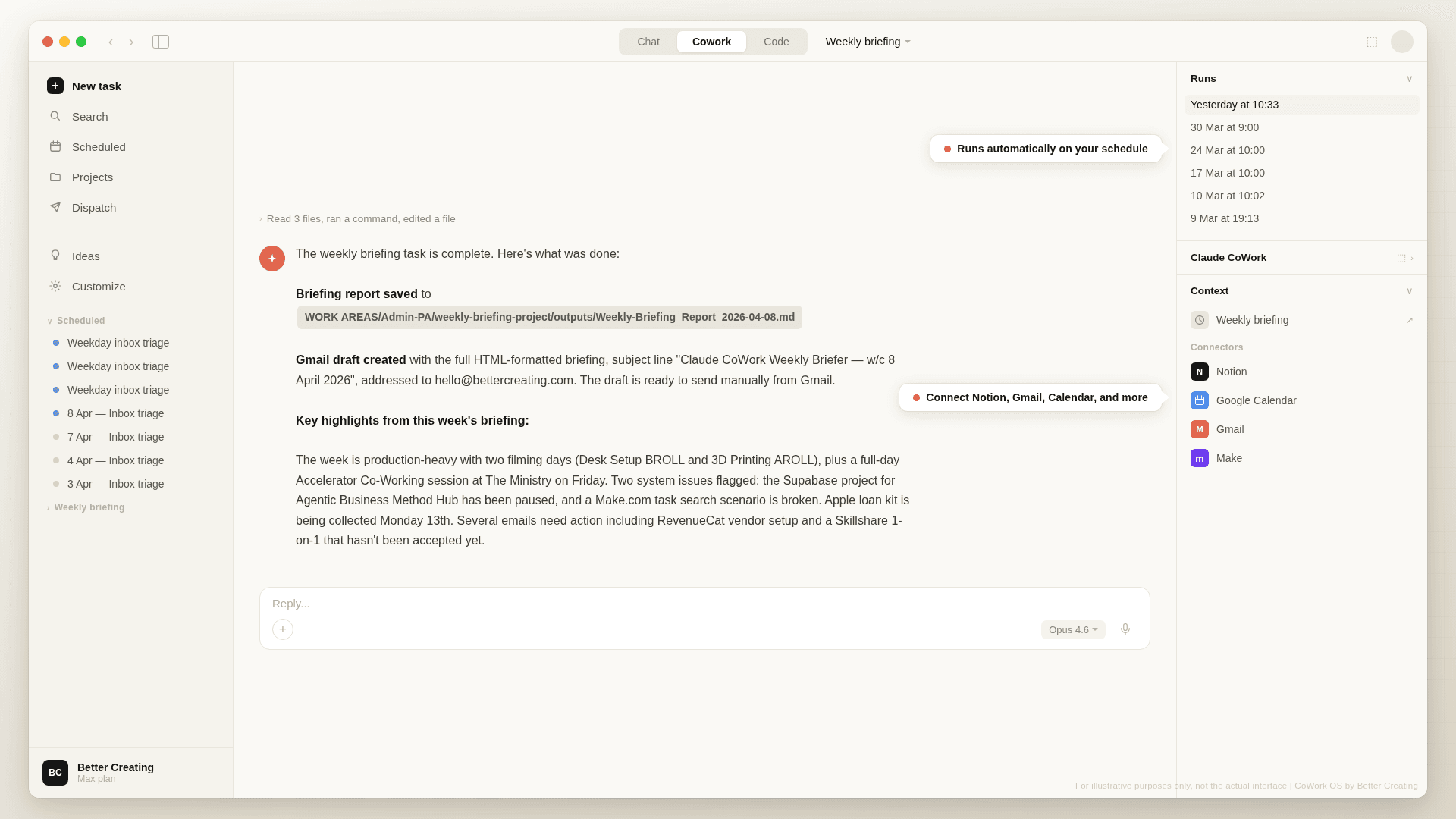
CoWork OS is a templated personal operating system that helps you fast track from beginner to power user on the Claude desktop app.



What You’ll Get
All you need to get started
All you need to begin:
A Claude account — Pro plan minimum, Max recommended for heavy use
Claude Desktop app — free to download, no technical setup
30–40 minutes for the initial onboarding
No coding or technical skills required
What you'll get:
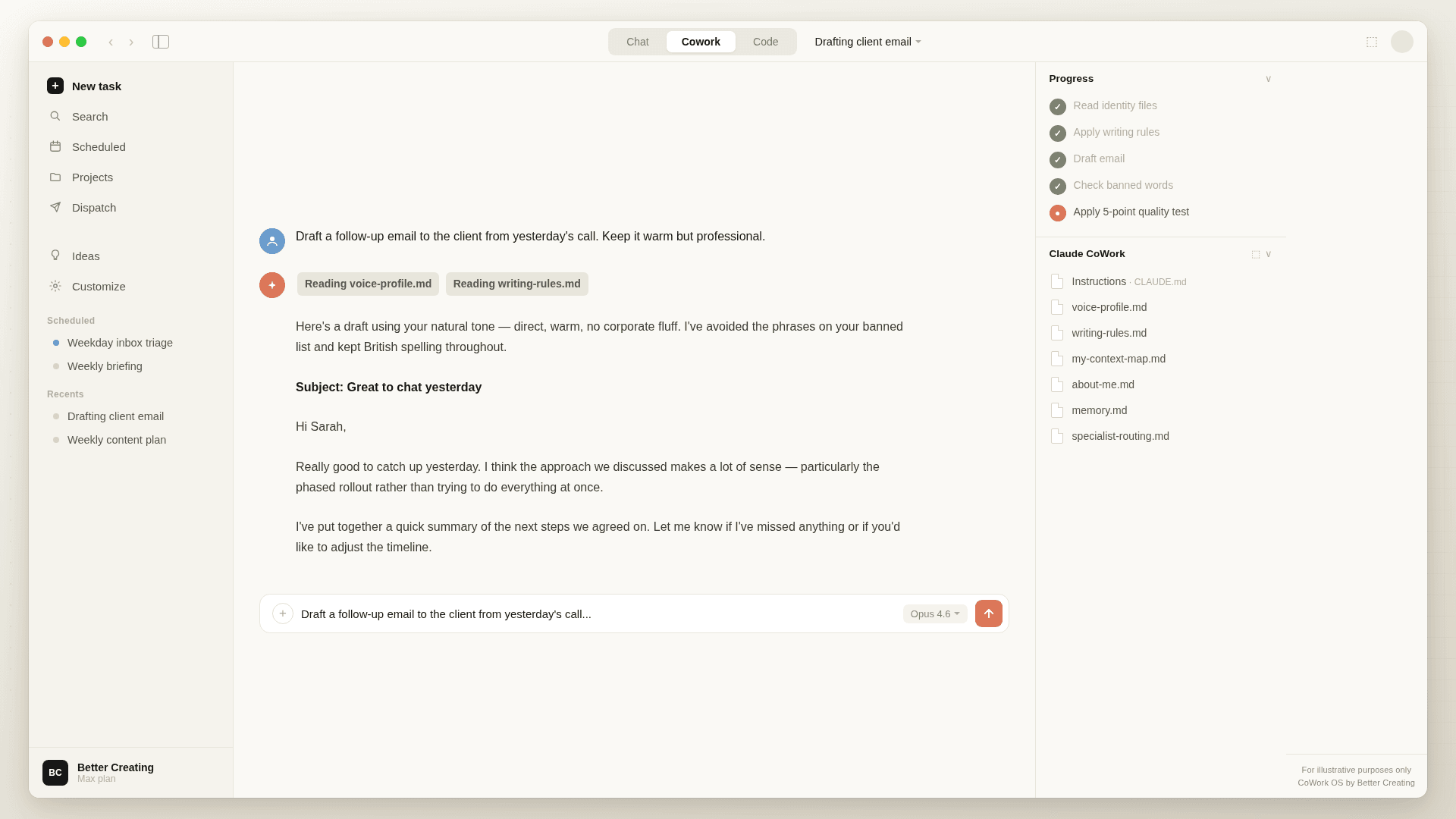
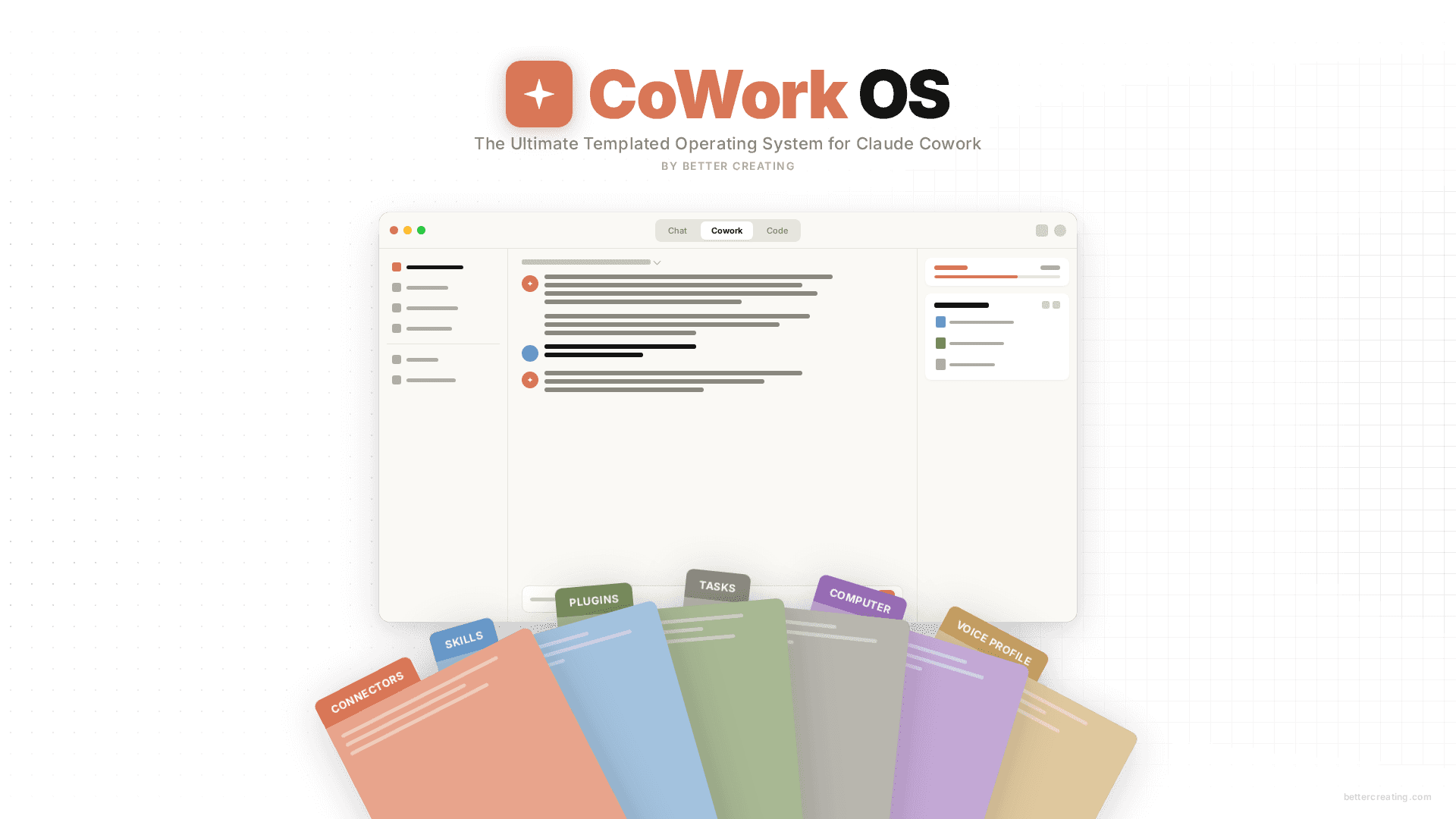
Complete OS Folder Structure with PARA system, guides and templates
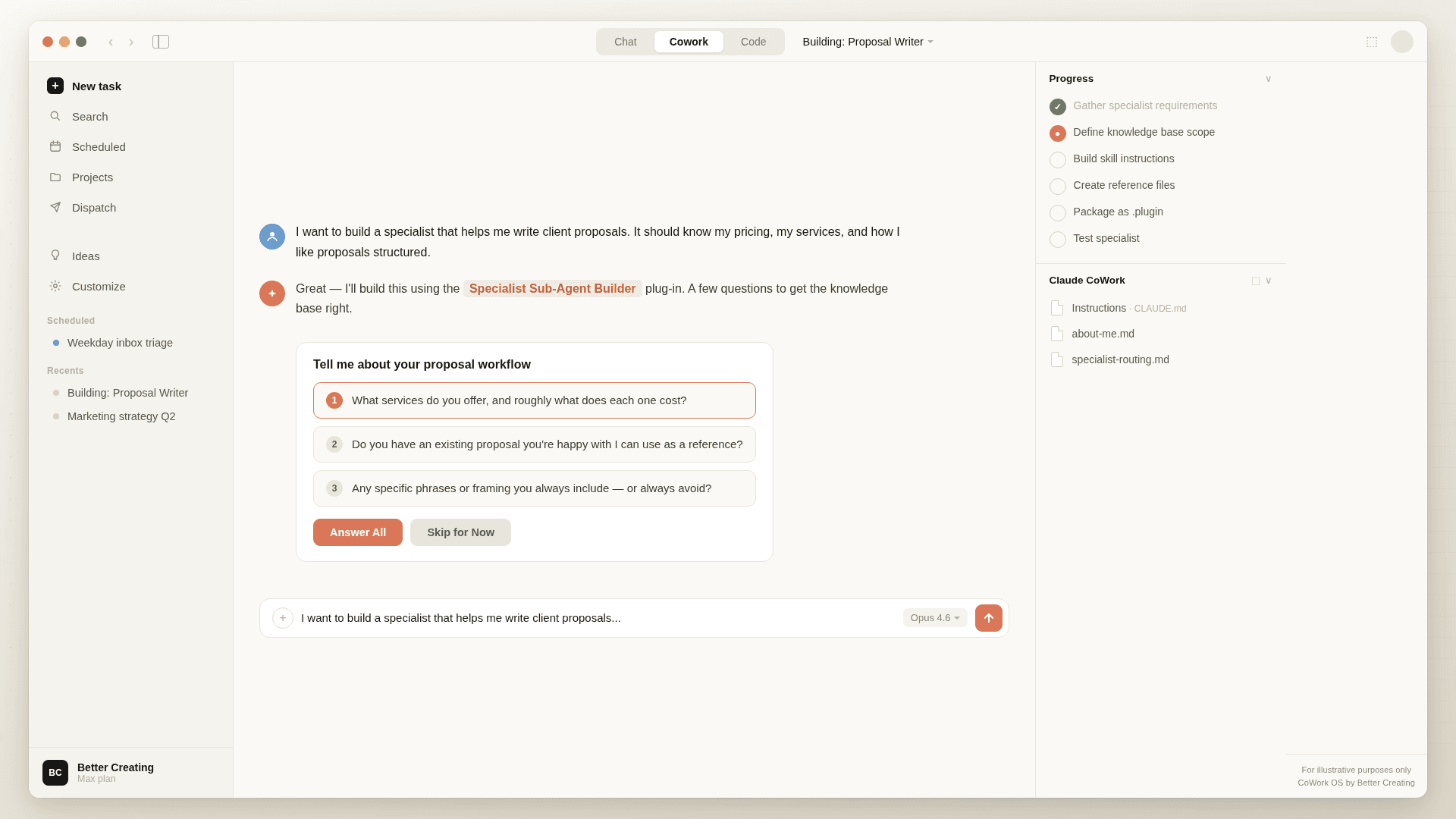
Specialist Plugins including Personal Assistant Agent and Sub-Agent Builder
Self-Improving Knowledge Base
Custom Skills — Onboarding Coach, Weekly Reviewer, PDF Designer and more
Get Started
USE Code
COWORKLAUNCH
$149.00 USD
$126.65 USD
(+ your local taxes)
Complete Folder Structure with pre-built instructions and guides
Custom Skills including Onboarding Coach, Weekly Reviewer and PDF Designer
Interactive Onboarding Coach for the setup
Self-Learning Knowledge Base
FAQs
What Payment Methods Do You Accept?
What Payment Methods Do You Accept?
Through Lemon Squeezy, you can pay with major credit cards (Visa, Mastercard, American Express, Discover, Diners Club, and JCB), PayPal, Apple Pay, and Google Pay —so pretty much whatever works for you.
(EU Customers) Do I Have to Pay VAT/Sales Tax?
(EU Customers) Do I Have to Pay VAT/Sales Tax?
Yes — all digital products sold to EU customers include a VAT charge, which Lemon Squeezy (my payment processor) automatically calculates based on your location.
BUT… If you have a business with a valid VAT number, you can get that VAT charge refunded after purchase through Lemon Squeezy's system.
Do You Support Parity Pricing Across Currencies or Student Discounts?
Do You Support Parity Pricing Across Currencies or Student Discounts?
I'm working on implementing more flexible pricing options. In the meantime, if you need help affording a pack due to currency conversion or you're a student, please reach out to me at notion@bettercreating.com and I'll do my best to help you out.
What Claude plan do I need?
What Claude plan do I need?
At minimum, a Pro plan. The free tier has message limits that make a session-heavy system like CoWork OS frustrating pretty quickly — you'll run into them before you've really got going. I run Max myself and honestly, once the system knows your context, your projects, and how you like to work, the cost stops feeling like much at all. But the Pro plan is the baseline where you'll get real daily value from it.
Does it work on Windows, or only Mac?
Does it work on Windows, or only Mac?
Both. CoWork OS runs inside the Claude Desktop app, which Anthropic makes available for Mac and Windows. The folder setup and everything in the system works the same way on either — I developed it on Mac, but several beta users ran the whole thing on Windows without any issues worth mentioning.
What's the difference between CoworkOS and AgentOS for Notion?
What's the difference between CoworkOS and AgentOS for Notion?
AgentOS is the same idea, built for Notion AI. It's a multi-mode instruction system — six specialist modes including a writing coach, strategist, and productivity advisor — all running inside your Notion workspace through Notion Agent. If you live in Notion, it's a natural fit.
CoWork OS is the Claude version. It runs in the Claude Desktop app and lives on your computer as a folder rather than inside a workspace. The scope is broader: it handles memory, identity, scheduling, and connected apps across your whole Claude setup.