Latest Testimonials
What users have to say
TAKE THE TOUR
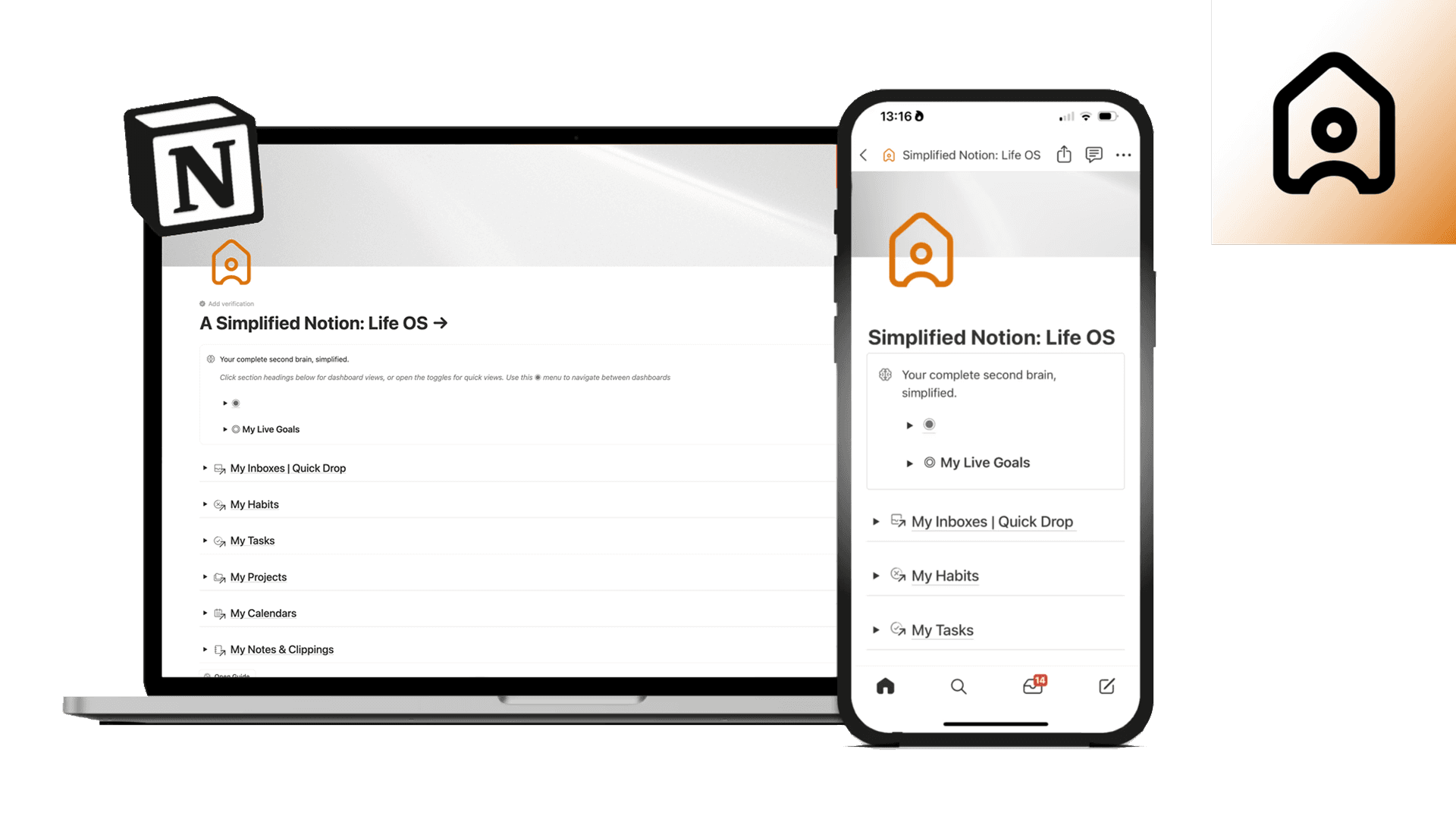
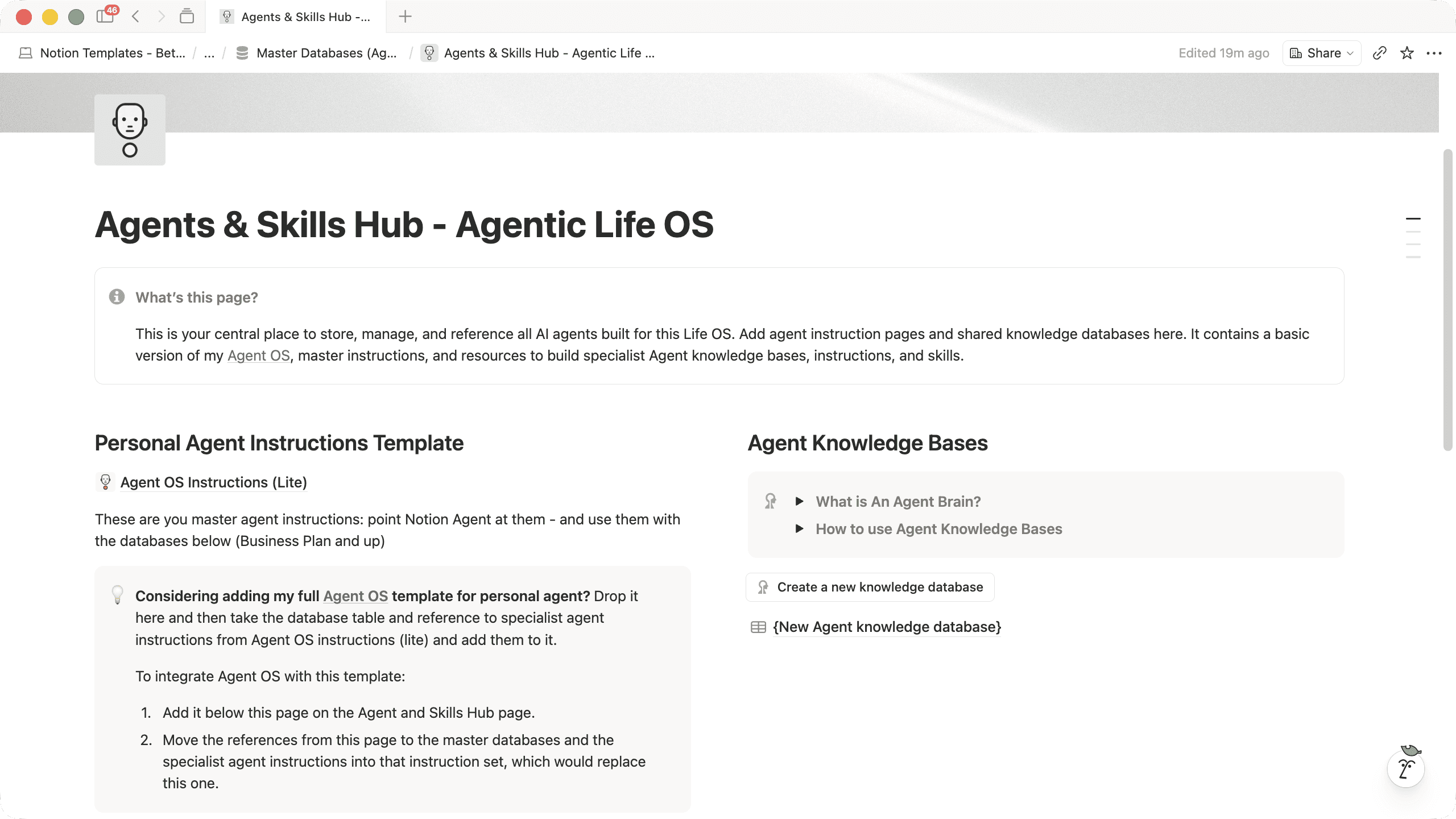
The exact system I use every day to organise my life & business
Honed over years of development: this Second Brain template has given me and over 7000+ existing users a calmer and simpler life with more time and energy for what matters. Now updated for Notion AI!
Notion Life OS will help you to:
Keep all your tasks, projects, goals, habits, budgets, in one place
Improve your focus and efficiency by decluttering what you have to hold & remember
Have more time and energy to focus on what matters
Have more time and energy to focus on what matters


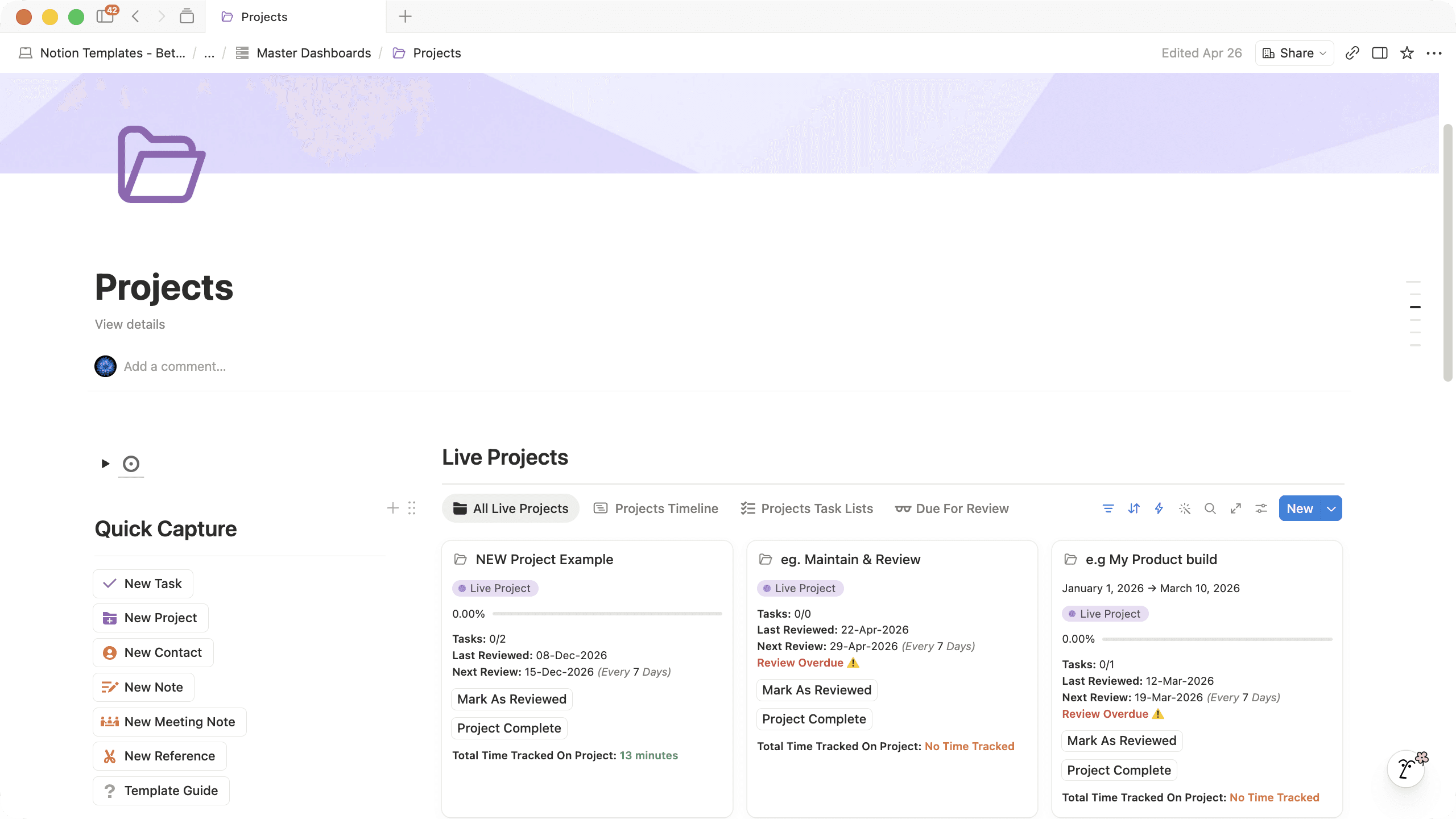
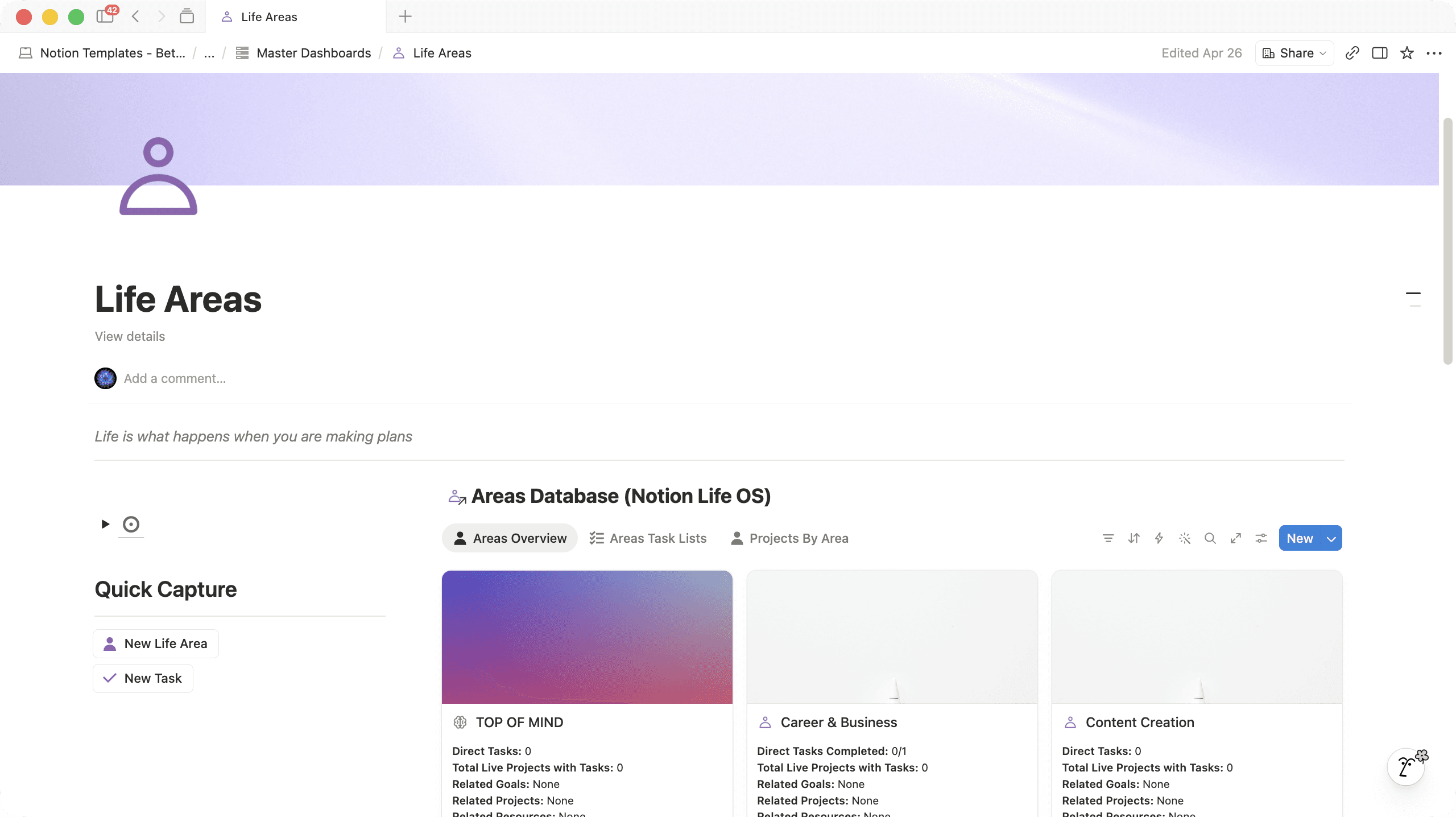

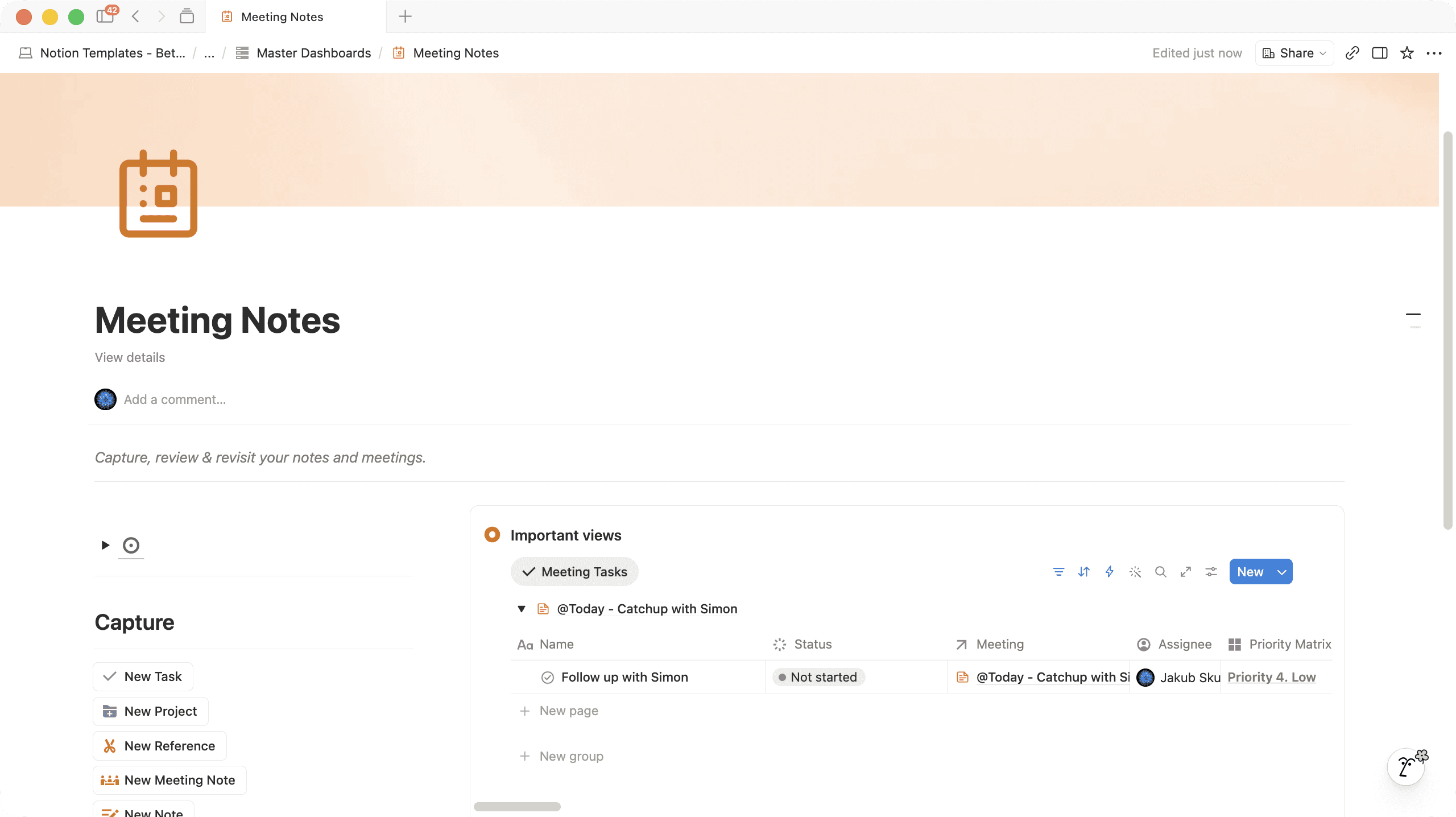
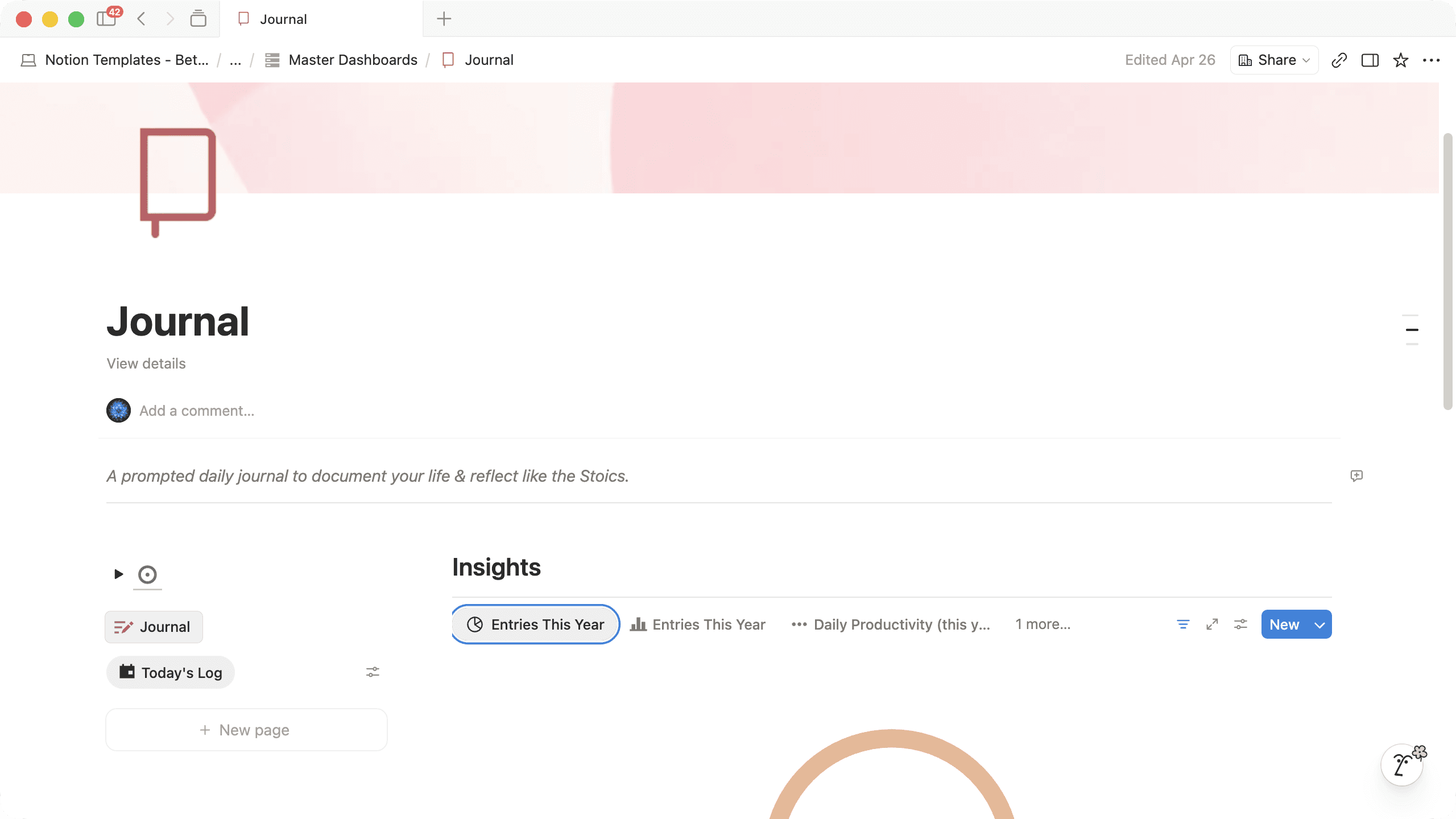


Latest Testimonials
What users have to say

Get Started
Life OS Pricing & Options

USE Code
LIFEOSLAUNCH
$147.00 USD
$102.90 USD
(+ your local taxes)
Everything in Simplified Life OS
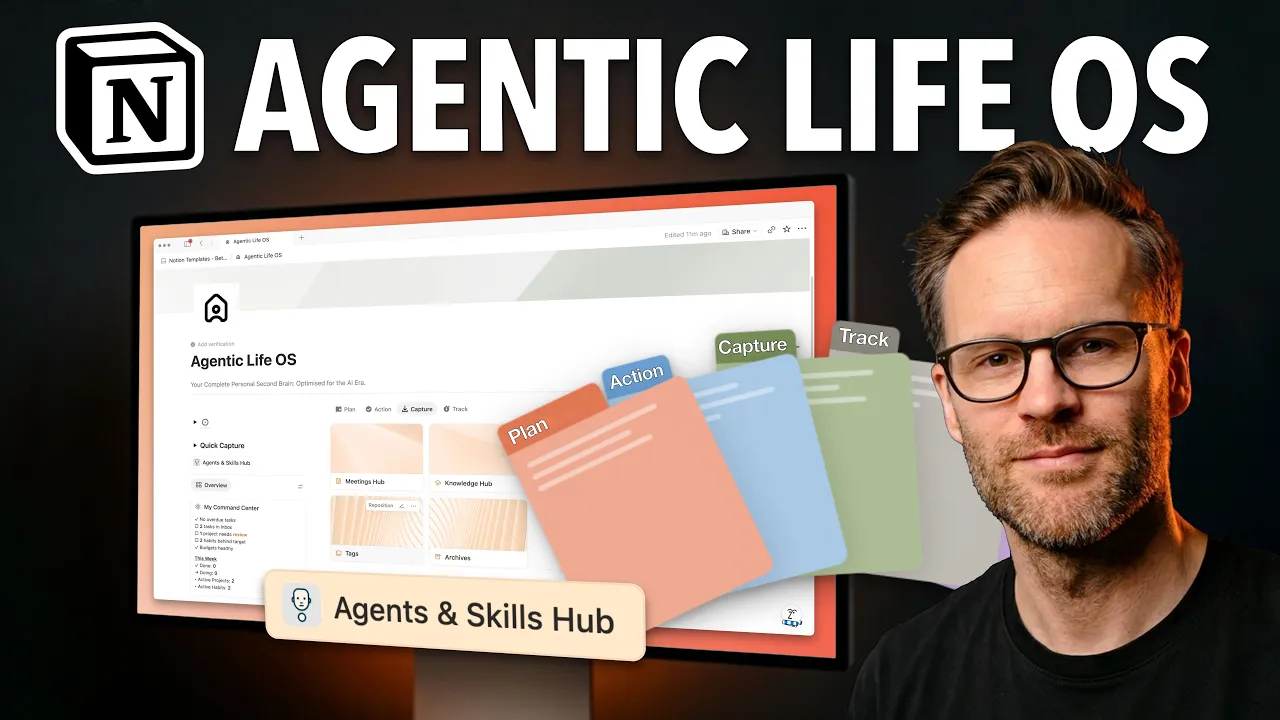
Agent OS Instructions (Lite) built-in & Agents & Skills Hub
Upgraded Tasks Management with Time Tracking & Metrics
Improved Charts & Perspective views
Advanced Meeting Notes & Knowledge Hubs
Complete GTD Weekly Review System
Full Financial Tracker and Subscription Manager
Meal Planner and Recipe Database
Accessible Contacts Databases
USE Code
SIMPLIFIED25
$99.00 USD
$69.30 USD
(+ your local taxes)
Simplified Task and Project Management system
Quick Drop Inboxes for frictionless capture
Life Areas database & dashboards
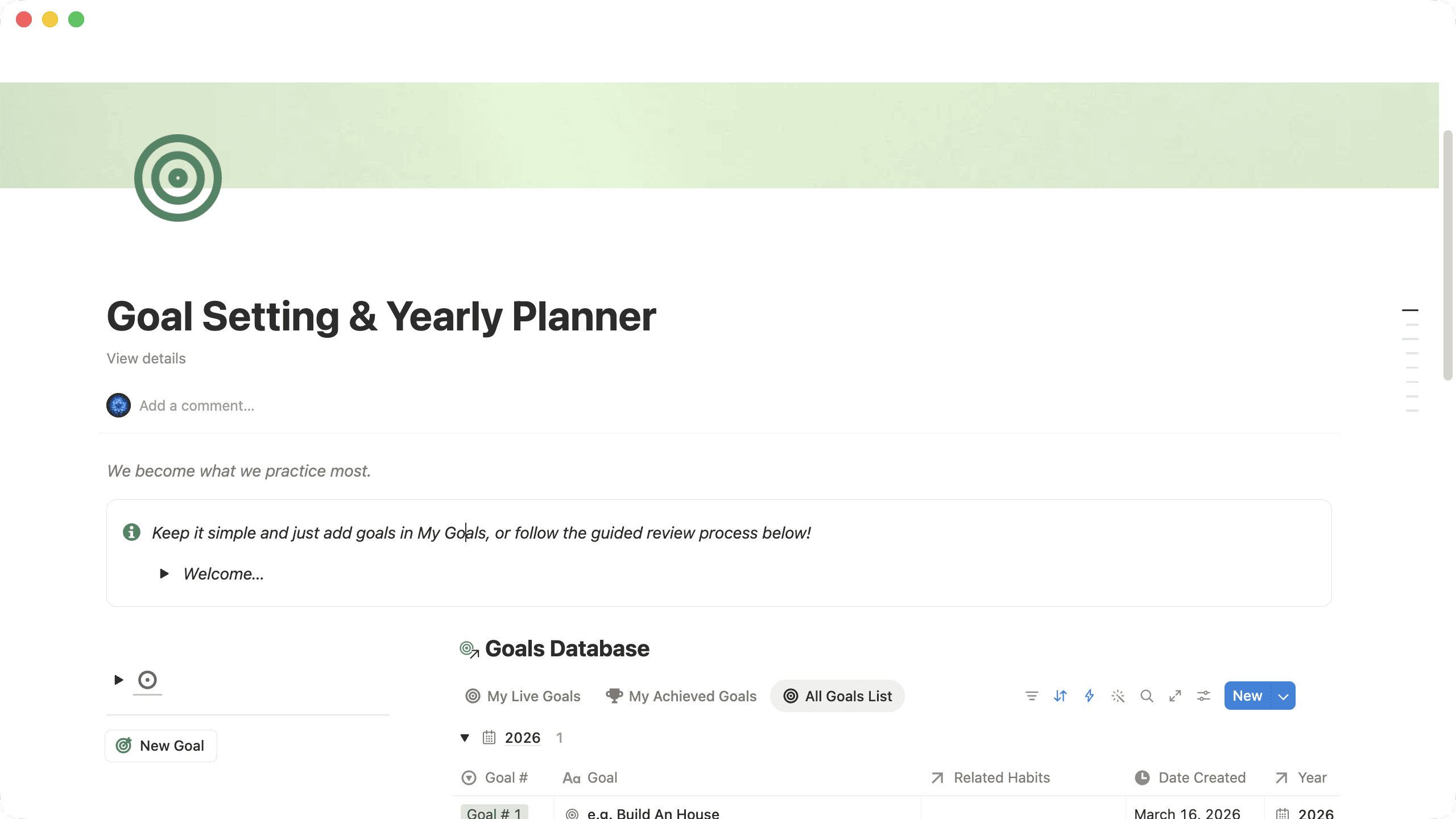
Guided Goal Setting & Yearly Planning System & Database
Integrated Habit Tracker and Stoic Journal
Simple Notes & Clippings Hub
Integrated Year Summaries & Calendar View

USE Code
LIFEOSLAUNCH
USD$219
$153.30 USD
(+ your local taxes)
Everything in Notion Life OS
Advanced Client & Contacts CRM
Client Portal System & Sales Pipeline with integrated Invoicing links to Finance Tracker
Full Content Management System (the same one I use!)
Templated Content Management Pages - scripting, packaging & more
Stand-alone copies of Life OS and Content & Client OS if you want to keep things separate!
Frequently Asked Questions Notion Templates & Agents
Can I use this template with a free Notion account?
Can I use this template with a free Notion account?
Yes! All of our templates work with a free Notion account. You can duplicate them to your workspace and start using them right away.
One thing to note: if the template includes charts, you'll only be able to view and use one chart on a free Notion plan. If you want to use multiple charts for reporting views, you'll need to upgrade to a paid Notion plan (Plus, Business, or Education). For most - this is not an issue, and you still have the full functionality of the template.
What is a Notion template and how do I download it?
What is a Notion template and how do I download it?
A Notion template is essentially a pre-built Notion page that you can duplicate into your own workspace. Think of it like a pre-made system that I've designed and tested — so you can skip the building phase and jump straight to using it!
Our templates are available on the Notion Marketplace. To get one, you'll need to:
Have a Notion account (free or paid — either works)
Click the template link, which takes you to the Notion Marketplace
Click "Get template" to duplicate it into your workspace
Once it's in your workspace, it's yours to customise however you like!
Do you offer refunds?
Do you offer refunds?
Unfortunately, I can't offer refunds on smaller Notion templates. Once you've duplicated the template to your workspace, there's no way to "return" it — it's yours permanently.
If you're unsure whether a template is right for you, please email me at notion@bettercreating.com before purchasing. I'm always happy to answer questions and help you figure out if it's a good fit!
For our larger Life OS and Agent OS templates - if, once you have followed the onboarding process it’s not for you, we do offer a 14-day money back guarantee.
I'm stuck or something isn't working — how do I get help?
I'm stuck or something isn't working — how do I get help?
No worries! Most templates include a guide page with tips and troubleshooting steps. If you're still stuck, just drop me an email at notion@bettercreating.com and I'll do my best to help you out.
We actually read all the emails and usually respond pretty quickly!
What are personal Notion Agent instructions, and how do I set them up?
What are personal Notion Agent instructions, and how do I set them up?
Custom agent instructions let you personalise how Notion AI* and Notion Agent behaves — its personality, knowledge, and how it responds to you.
If you are experienced with making Projects in Claude or Custom Agents in Chat GPT - it’s very similar - just more accessible and native in your Notion workspace!
To set it up:
Click on Nosy (the little AI icon) in the bottom-right corner
Select Personalise
Name your Agent and choose a page that will become your Agent’s instructions
Once connected, Notion AI will follow whatever's on that page.
*To use Notion AI you need to be on the business plan or higher!
Is Notion Agent free?
Is Notion Agent free?
No - but it’s great value - I cancelled my Chat GPT subscription for it!
To have access to Notion Agent you’ll need to be on a paid Business of Education Plan with Notion: but for the access to these LLMs and all the wider AI connectors to things like Google Drive, Slack and Teams - we think it’s a steal. If you want to upgrade to a plan: click my link here: https://affiliate.notion.so/bettercreating
What’s the difference between Custom Agents and Personal Agents in Notion?
What’s the difference between Custom Agents and Personal Agents in Notion?
Custom Agents are autonomous agents that act like independent team members in your workspace - They can be triggered by events, a recurring interval, or an action you take - and anyone in your workspace can use them. These are great for automating processes you want to happen without you asking.
Notion Agent - accessed via the main AI chat interface in Notion, can be customised and personalised to be your personal agent assistant. The difference here: you can share with it your personal preferences, knowledge and context for it to collaborate with you - think of it as your personal assistant - who knows you very well! The best thing thou - my Agent OS template turns that personal agent into a team of specialists you can customise to your needs - making it the ultimate personal tool to hand of your busy work to!
Do personal agents in Notion work on mobile?
Do personal agents in Notion work on mobile?
Yes, Notion AI is available on the mobile version as well, given you have at least the Business or Education plan. As of now (January 2026) the features of Notion AI on mobile are a bit limited when compared to the desktop version though, you cannot for example pick an AI model and it just defaults to GPT-5.2.
What Payment Methods Do You Accept?
What Payment Methods Do You Accept?
Through Lemon Squeezy, you can pay with major credit cards (Visa, Mastercard, American Express, Discover, Diners Club, and JCB), PayPal, Apple Pay, and Google Pay —so pretty much whatever works for you.
(EU Customers) Do I Have to Pay VAT/Sales Tax?
(EU Customers) Do I Have to Pay VAT/Sales Tax?
Yes — all digital products sold to EU customers include a VAT charge, which Lemon Squeezy (my payment processor) automatically calculates based on your location.
BUT… If you have a business with a valid VAT number, you can get that VAT charge refunded after purchase through Lemon Squeezy's system.
Do You Support Parity Pricing Across Currencies or Student Discounts?
Do You Support Parity Pricing Across Currencies or Student Discounts?
I'm working on implementing more flexible pricing options. In the meantime, if you need help affording a pack due to currency conversion or you're a student, please reach out to me at notion@bettercreating.com and I'll do my best to help you out.